Data Destruction Method Finder
Formatting a drive or doing a factory reset does not always remove data, and the right method depends on the type of storage, how sensitive the data is and whether the device will be reused. Answer three questions to see the recommended method, what to ask your recycler for and the wording to add to your quote request.
Clear, purge or destroy
The international guideline most recyclers follow, NIST Special Publication 800-88, groups data sanitisation into three levels:
- Clear: overwriting all user-accessible storage with software. Protects against simple recovery tools and suits low-risk drives that will be reused.
- Purge: using the drive's own sanitise or secure erase commands, cryptographic erase, or degaussing for magnetic media. Protects against laboratory recovery while keeping the device usable (except after degaussing).
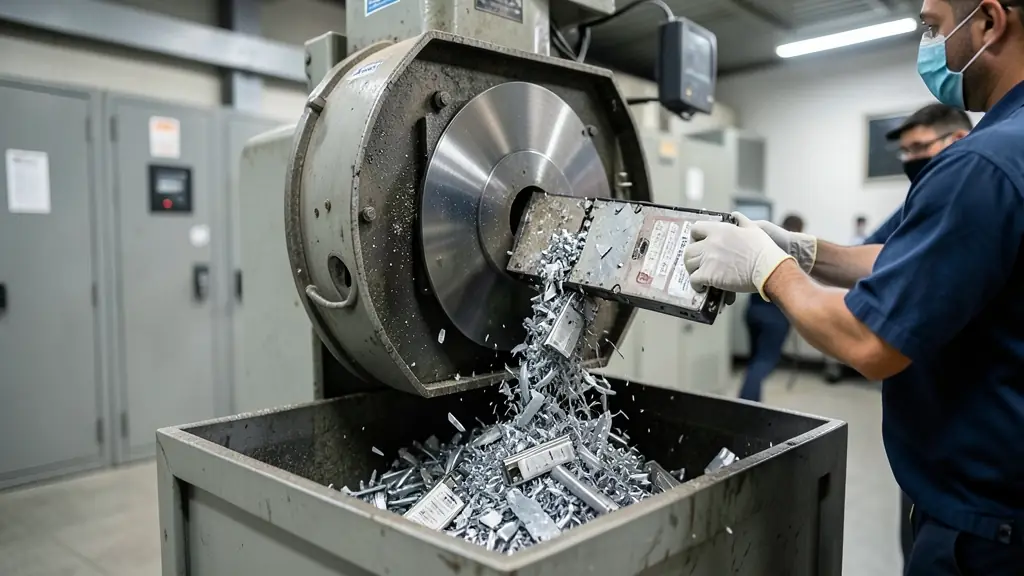
- Destroy: shredding, disintegrating or crushing so the media can never be read or used again.
SSDs and phones are different
Hard drives store data on magnetic platters, so overwriting and degaussing work well. SSDs, USB drives, memory cards and phones use flash memory, which spreads writes across spare blocks that software cannot reach. Overwriting is unreliable and degaussing has no effect. For reuse, use the drive's built-in sanitise or cryptographic erase; for disposal, shred to small particles so every memory chip is broken.
POPIA and your paper trail
The Protection of Personal Information Act requires you to keep personal information secure until it is destroyed, and to destroy it in a way that prevents reconstruction. If a recycler handles your devices, they act on your behalf, so you remain responsible. Ask for a certificate of data destruction that lists every drive's serial number, the method used and the date, and keep it with your asset disposal records.
Data destruction methods at a glance
| Storage | For reuse | For disposal |
|---|---|---|
| Hard drive (HDD) | Overwrite (Clear) or secure erase (Purge), verified | Degauss and/or shred |
| SSD / NVMe | Firmware sanitise or cryptographic erase | Shred to small particles |
| Phone or tablet | Encrypted factory reset after signing out of accounts | Shred |
| USB drive / memory card | Not recommended for sensitive data | Shred |
| Backup tape | Not normally reused | Shred or disintegrate (degaussing may not work on modern LTO) |
| CD / DVD / Blu-ray | Not reusable | Shred or disintegrate |
| Copier or printer drive | Built-in data security overwrite | Remove the drive and shred it |
Frequently asked questions
- Is formatting a hard drive enough?
- No. A quick format only removes the index to the files; most of the data can be recovered with free software. Use a full overwrite, a secure erase command or physical destruction.
- Does degaussing work on SSDs?
- No. Degaussing only affects magnetic media such as hard drives and tapes. SSDs must be cryptographically erased, sanitised with their firmware command, or shredded.
- What should a certificate of data destruction include?
- Your company name, the date, the method used, the serial numbers of each drive or device, where it was done and a signature from the service provider.