Secure Data Destruction and Hard Drive Destruction
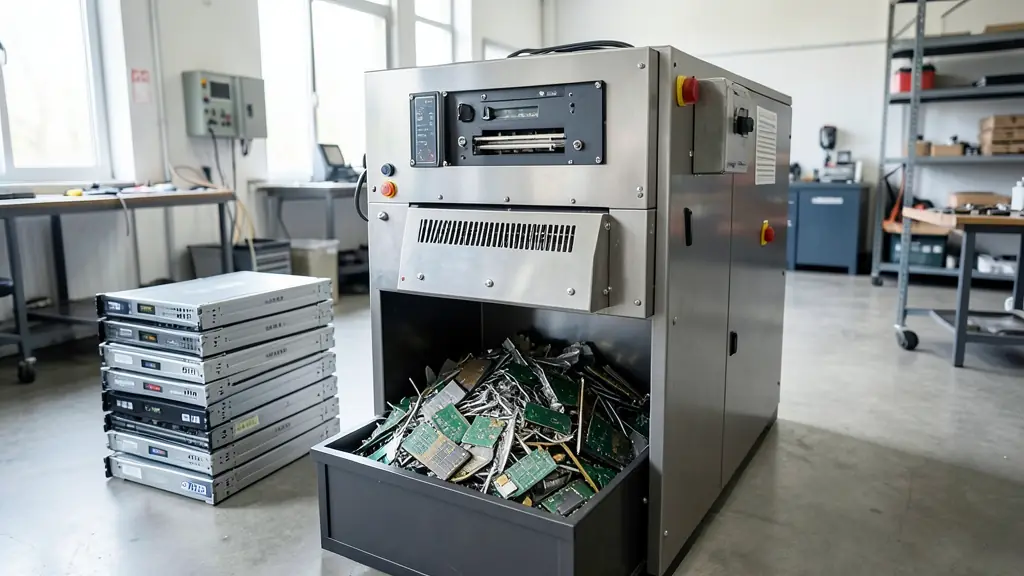
Deleting files or formatting a drive does not remove data. Anyone with free recovery software can often read it back. Data destruction makes that impossible, either by sanitising the storage so it can be reused or by destroying it physically. Send us a quote request and we pass it to an independent data destruction or e-waste provider in your area, who will quote for collection, destruction and certification.
Data destruction methods: wiping, degaussing and shredding
The right method depends on the media and whether you want to reuse it:
- Software wiping overwrites or cryptographically erases a drive, following sanitisation guidance such as NIST 800-88, so the drive can be resold
- Degaussing uses a strong magnetic field to erase traditional hard drives and tapes, which leaves them unusable
- Hard drive destruction by shredding or crushing physically breaks the platters so data cannot be recovered
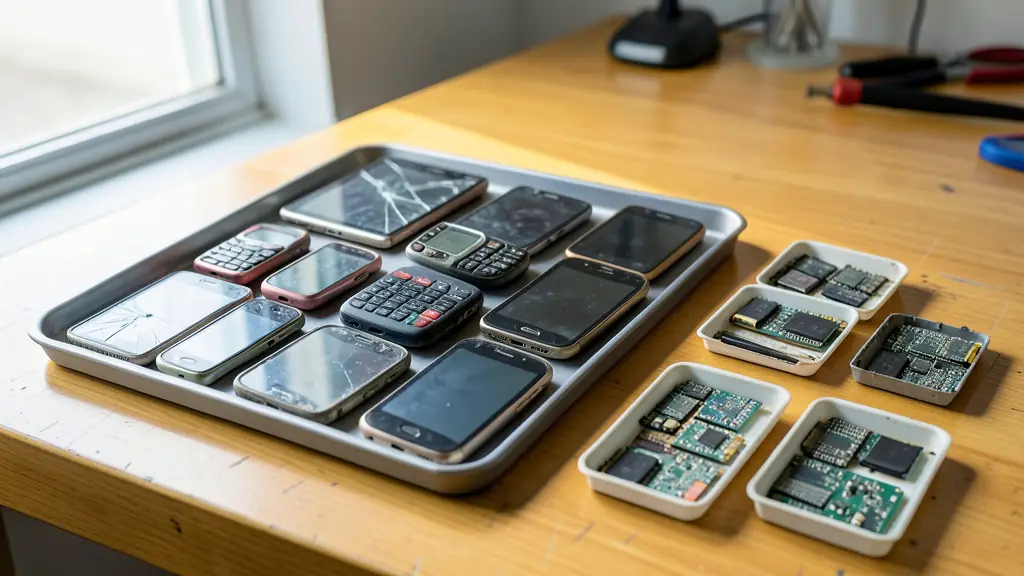
SSDs, phones and tablets store data on flash chips, which degaussing does not erase. They need proper firmware-level sanitisation or shredding to a small particle size.
Secure data destruction on-site or off-site
On-site secure data destruction means a mobile shredder or wiping station comes to your premises and drives never leave your control. Off-site destruction is usually more economical for large volumes, but relies on sealed containers, tracked transport and a clear chain of custody. Many organisations combine the two, shredding the most sensitive drives on-site and sending the rest away.
POPIA and the certificate of destruction
The Protection of Personal Information Act (POPIA) requires responsible parties to secure personal information, including when it is being disposed of. A certificate of destruction that lists each drive's serial number, the method used and the date is your evidence that this was done. Ask whether the provider follows recognised practice such as ISO 27001 or NIST 800-88.
How to choose a recycler for data destruction
The lowest price is not always the best deal when it comes to e-waste. When you receive your quote, check:
- Compliance – ask whether the recycler is registered with a producer responsibility scheme, holds the waste licences its operations need, and can name ISO 14001 or similar certifications.
- Paperwork – make sure you will receive a certificate of recycling or safe disposal, and a certificate of data destruction listing serial numbers where data is involved.
- Downstream – find out where materials go after collection, and that nothing ends up in landfill or illegal export.
- Total cost or value – compare collection, handling and any rebate for items with value, not only the headline rate.
Our service matches your request with a recycler who serves your area, so you can check these points before you commit. It costs nothing and you are under no obligation to accept the quote.
Request a data destruction quote
To get an accurate quote quickly, include:
- The number and type of media: hard drives, SSDs, tapes, phones, USB drives
- Whether drives are loose or still inside computers and servers
- Your preference for on-site or off-site destruction, and wiping or shredding
- What the certificate must show, such as serial numbers or witness details
Frequently asked questions
- Do you destroy the drives yourselves?
- No. We are a free quote service. Your request goes to an independent data destruction provider near you, who quotes, does the work and issues the certificate directly.
- Can I watch my drives being destroyed?
- Yes, with on-site destruction you can usually witness the process. Some providers also offer video or photo records for off-site work. Mention this in your request.
Data Destruction by province
- Data Destruction Gauteng
- Data Destruction Western Cape
- Data Destruction KwaZulu-Natal
- Data Destruction Eastern Cape
- Data Destruction Free State
- Data Destruction Limpopo
- Data Destruction Mpumalanga
- Data Destruction North West
- Data Destruction Northern Cape
Data Destruction by city
- Data Destruction in Johannesburg
- Data Destruction in Pretoria
- Data Destruction in Centurion
- Data Destruction in Midrand
- Data Destruction in Boksburg
- Data Destruction in Kempton Park
- Data Destruction in Germiston
- Data Destruction in Benoni
- Data Destruction in Krugersdorp
- Data Destruction in Vereeniging
- Data Destruction in Vanderbijlpark
- Data Destruction in Cape Town
- Data Destruction in George
- Data Destruction in Durban
- Data Destruction in Pinetown
- Data Destruction in Pietermaritzburg
- Data Destruction in Richards Bay
- Data Destruction in Port Elizabeth (Gqeberha)
- Data Destruction in East London
- Data Destruction in Bloemfontein
- Data Destruction in Welkom
- Data Destruction in Polokwane
- Data Destruction in Nelspruit (Mbombela)
- Data Destruction in Witbank (eMalahleni)
- Data Destruction in Middelburg
- Data Destruction in Rustenburg
- Data Destruction in Klerksdorp
- Data Destruction in Potchefstroom
- Data Destruction in Kimberley